

Interactive slice planning
Review clear planning guidance in Teaching Notes before you begin, then apply what you’ve learned by positioning and angling slices across axial, sagittal, and coronal views.
Loading MRI Plan...
Practice MRI planning on your phone or tablet. MRI Plan is an interactive app that helps you build confidence in slice positioning, angulation, and field of view across axial, sagittal, and coronal views—before scanning real patients.
Download on your iPhone or iPad.
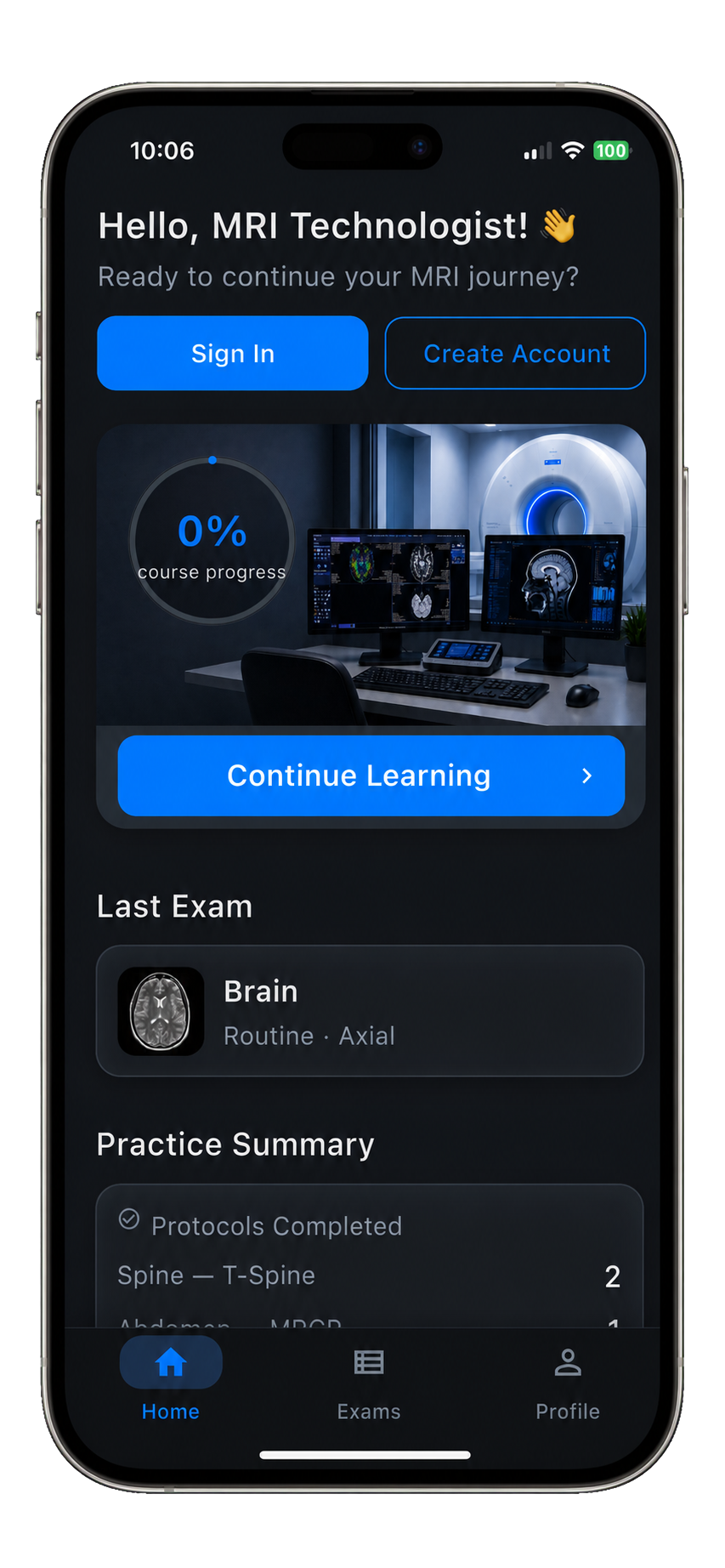
A focused set of tools for learning proper slice positioning without bloated simulator complexity.
Review clear planning guidance in Teaching Notes before you begin, then apply what you’ve learned by positioning and angling slices across axial, sagittal, and coronal views.
Practice with anatomy-based views created for education rather than real patient imaging.
Interactive planning hints and notes. Review angle, coverage, center position, and field-of-view guidance immediately after planning.
Designed for MRI students, new technologists, and training programs as a supplement to formal instruction.
Repeat planning decisions without scan-room pressure, patient time, or the stress of getting it perfect on the first try.
MRI Plan does not collect, store, process, or transmit patient information or Protected Health Information.
Build confidence with focused practice in position, angle, coverage, and field of view.


The simulator is built from real technologist experience, with the pressure removed so learners can repeat spatial decisions until the planning logic clicks.
MRI Plan is created by a practicing MRI technologist, so the learning focus reflects console-level planning judgment.
It is a training simulator, not a clinical device, and it does not collect, store, process, or transmit PHI.
Students can practice positioning, angling, coverage, and field of view without patient time or scan-room pressure.
Open: How to Use a Planner(?) and follow the step-by-step planning instructions provided throughout the exam/protocol.
Learn correct slice positioning, angulation, coverage, and field-of-view sizing with Teaching Notes.
Set position, angle, center, and coverage using touch-friendly planning controls.
Repeat the scenario until you can confidently plan slices in all planes.
MRI Plan is designed for MRI students, new technologists, and training programs who want to practice slice-planning fundamentals outside the scan room.
No. MRI Plan is an educational supplement. It does not replace formal coursework, clinical supervision, institutional protocols, manufacturer guidelines, or professional clinical judgment.
No. MRI Plan does not collect, store, process, or transmit patient information or Protected Health Information. The simulator is intended for education, not clinical use.
MRI Plan includes brain planning, spine planning, and MSK planning. Additional modules may be added based on feedback from students and instructors.